

Introducing ID Medical Connect: Your Schedule, in Your Hands
Nurses told us they wanted more control, more visibility and a smoother way to manage shifts. So we built ID Medical Connect — an intuitive mobile app that lets you update availability, view and manage booked shifts, and reach support in one tap. It’s a smarter, simpler way to stay organised—anytime, anywhere.
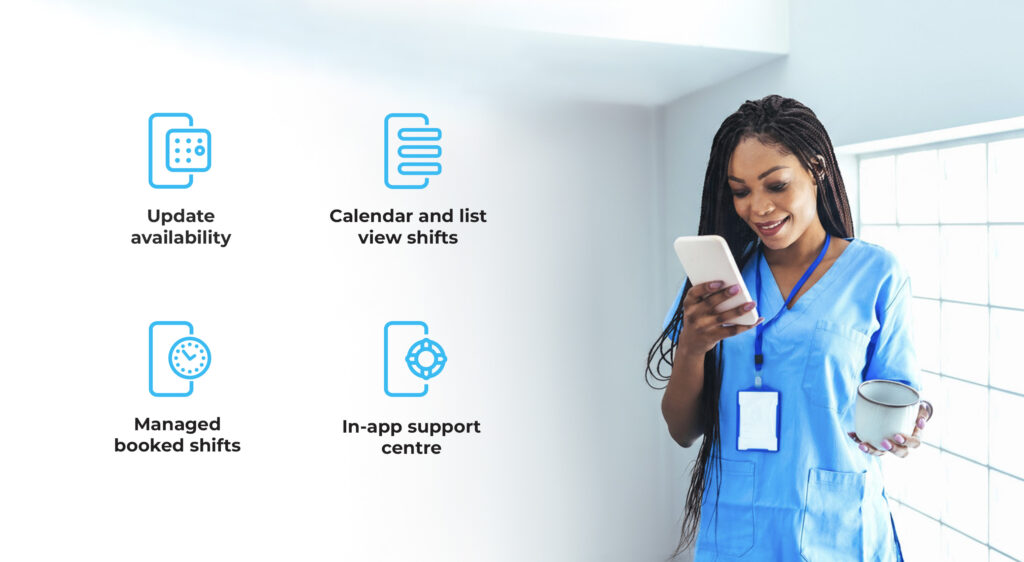
Why We Built the Connect app (and Who It’s For)
ID Medical Connect was created with and for our nursing community to put autonomy back where it belongs: in your hands. The app is designed exclusively for nurses registered with ID Medical and reflects our commitment to innovation, empowerment and excellent support across the NHS workforce.
Alongside the features you asked for, we’ve focused on clarity, speed and simplicity — removing unnecessary admin so you can manage your working week with confidence. It’s built for the realities of clinical life: long shifts, changing rotas and the need for quick decisions.
What You Can Do in the App
- Update availability in seconds so the right shifts find you faster.
- See all your shifts at a glance with clear calendar and list views.
- Manage booked shifts on the go and keep your schedule accurate.
- Reach support in one tap via the in-app Support Centre.
Designed For the Way Nurses Work Today
Your working day is fast-paced — your app should be too.
ID Medical Connect gives you a streamlined experience with fewer steps and more control over your time. Real-time availability updates help keep your schedule moving, and instant changes mean you stay flexible without the usual admin overhead.
Whether you’re planning ahead or want to pick up last-minute shifts, everything is built to be quick, clear and stress-free.
Your Schedule, Sorted
From early starts to night shifts, the app gives you visibility whenever and wherever you need it.
See what’s coming up, make quick edits without disrupting your day and get full transparency on shift options. With all your information in one place — booked shifts, future availability, profile details and support — you’ll always feel prepared, organised and in control.
It’s shift management made effortless, so you can focus on delivering great care.
How It Helps Nurses
You’ll experience less admin—fewer calls and forms—so you get more time back in your day.
And with smarter scheduling powered by real-time availability, you’ll have clear visibility of upcoming work. All of this is wrapped in a simple, intuitive design that fits busy clinical lives.
Getting started is easy
- Register or reactivate with ID Medical (if you’re new or returning).
- Download the app on iOS or Android and sign in with your ID Medical details.
- Set your availability and start managing shifts with confidence.
- If you need a hand at any point, the Support Centre connects you to your dedicated team in a tap.
Our commitment to you
ID Medical Connect is part of our ongoing investment in better tools and support for Nurses across the UK. We’ll continue enhancing the app experience and sharing practical tips, updates and feature spotlights.
From new booking features to smarter scheduling updates, everything we build will stay focused on one thing: giving you more clarity, more control and a smoother way to manage your working life.
Ready to take control of your schedule?
Download ID Medical Connect and put your nursing shifts in your hands today.


(If you’re not yet registered with ID Medical, start your registration to get access.)