
Smooth Scheduling for Busy Nurses
The ID Medical Connect mobile app empowers Nurses to update availability instantly, view and manage booked shifts, and reach support in one tap — anywhere, anytime.
| Download the app: | ||
 |  |
Not registered with ID Medical yet? Register now
Empowering ID Medical Nurses Nationwide
Built with — and for — our nursing community
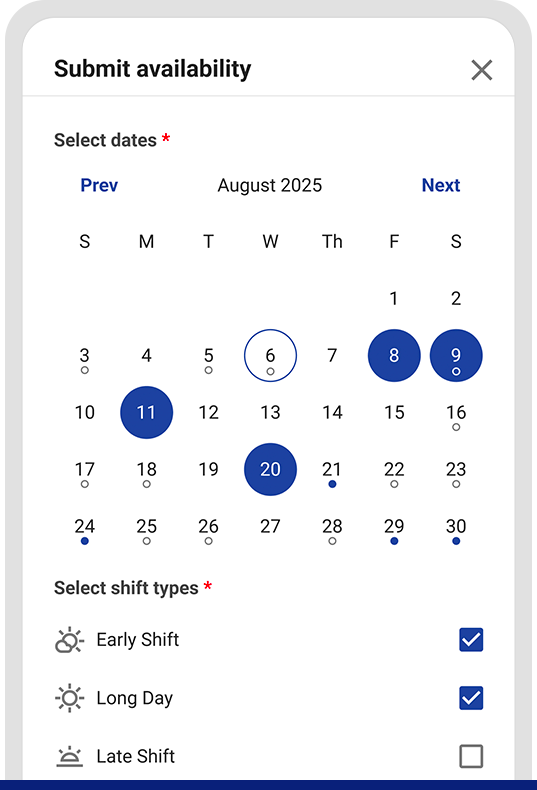
Add, edit or remove availability in seconds
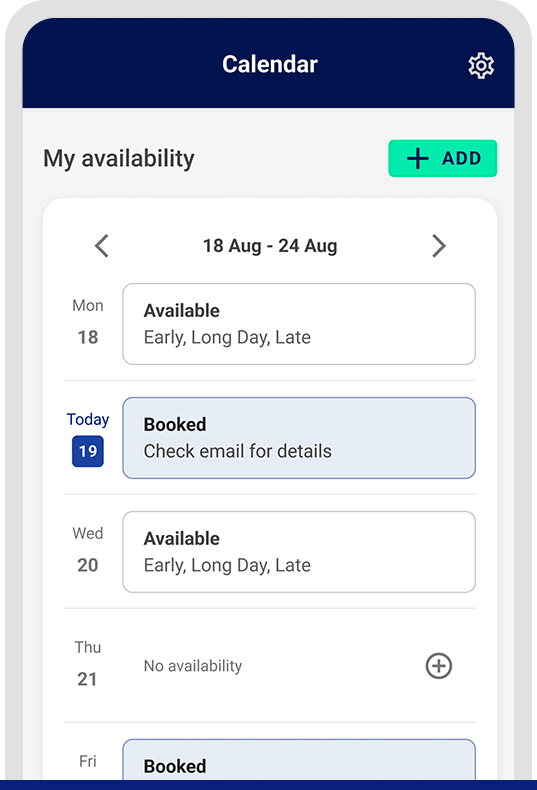
Easily view your booked shifts in a convenient list view
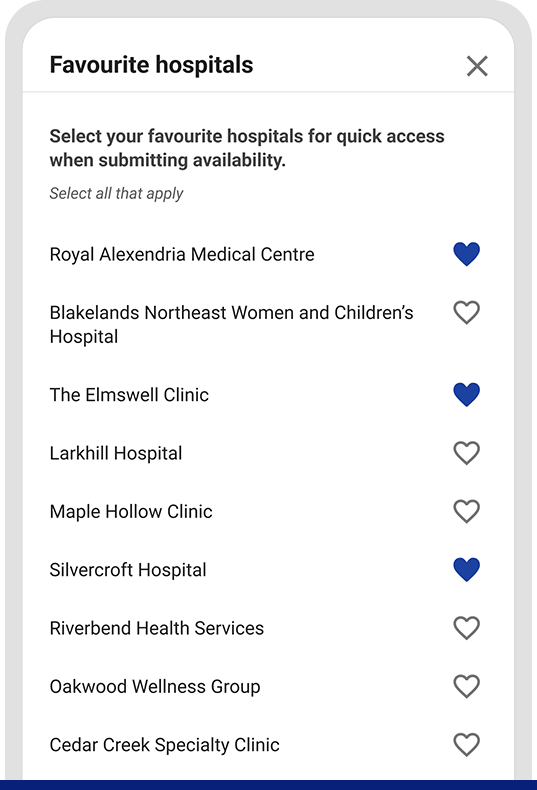
Choose your favourite hospital(s) for easier and faster submission
Use the Support Centre if you ever need a hand
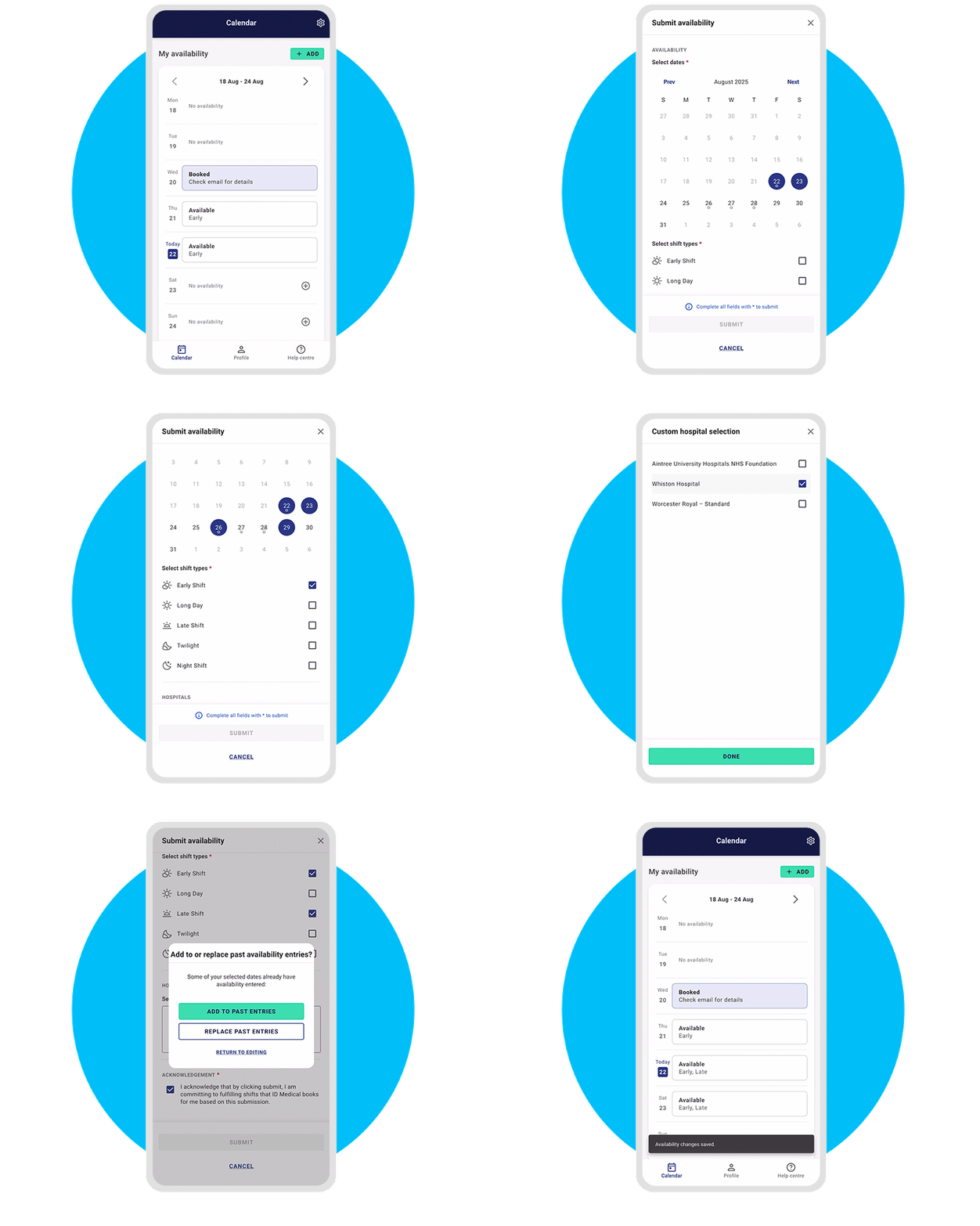
Plan & Manage Your Schedule
Update your availability in seconds and keep your week organised with clear calendar and list views. See every upcoming shift at a glance, confirm details, and make changes on the go. The ID Medical Connect app is purpose-designed to reduce back-and-forth, and save time.
| Download now: | ||
| |
Less Admin
Fewer calls and forms — more time back in your day.
More Control
Plan your week, pick up extra shifts, and make changes anytime.
Smarter Scheduling
Real‑time availability and clear visibility of your upcoming work.
Built Around You
Simple, intuitive design for busy clinical lives.

Shaped by Nurses, Evolving With You
Built in collaboration with our nursing community, ID Medical Connect reflects real-world clinical workflows — and we’ll keep improving it with your feedback. This launch is part of our ongoing investment in Nurse empowerment and innovation, with post-launch enhancements and feature spotlights planned to make the app even smoother over time.
| Download now: | ||
| |
FAQs
Who can use the app?
The app is designed for Nurses registered with ID Medical.
How do I download it?
Use the App Store or Google Play buttons on this page. Sign in with your ID Medical details.
Do I need to provide my availability?
Yes — adding your availability helps match you with suitable shifts, faster.
How do I get help?
Open the Support Centre in the app to contact your dedicated team.